
From October, the Palaceside Building shopping streets can be seen on Google Maps Street View.
How do they look? Best to see for yourself, but first a photo tour. Look at the eight photos below from top-left down, then top-right down. In the east entrance, up the stairs, past reception, west along the first floor. Past the shops at the B1 atrium, past The Mainichi Newspapers reception, to the west entrance.
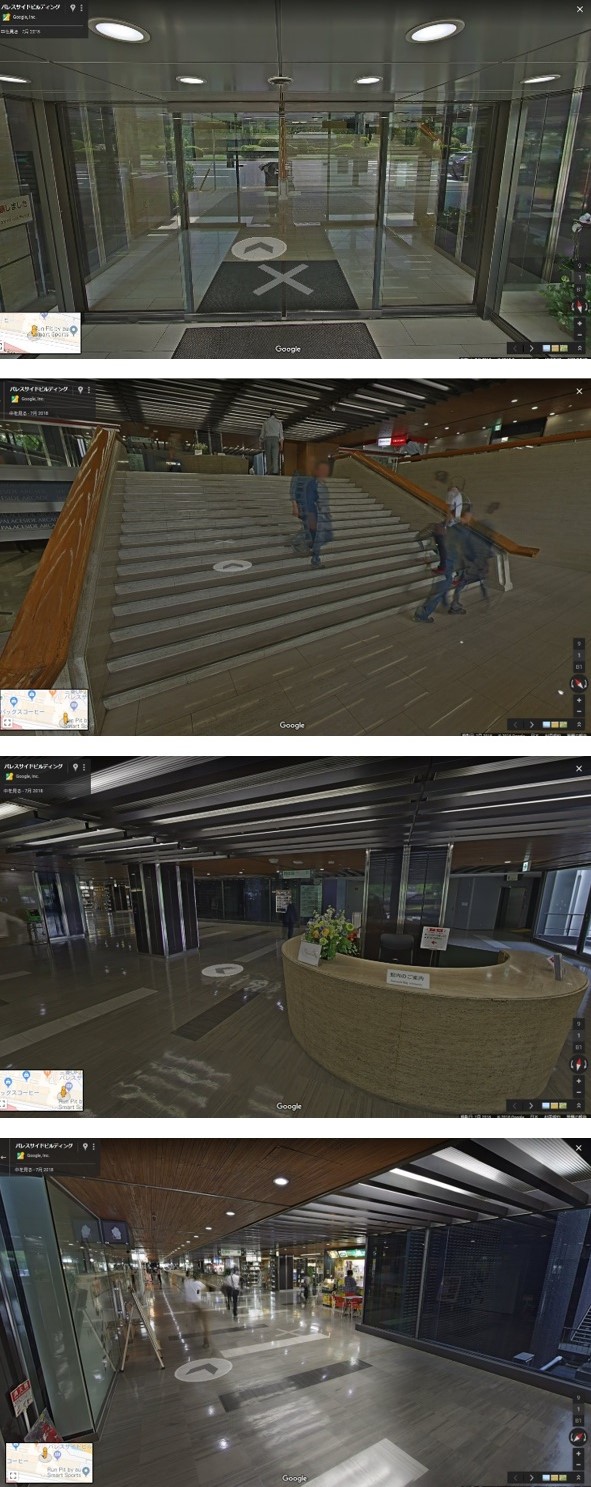
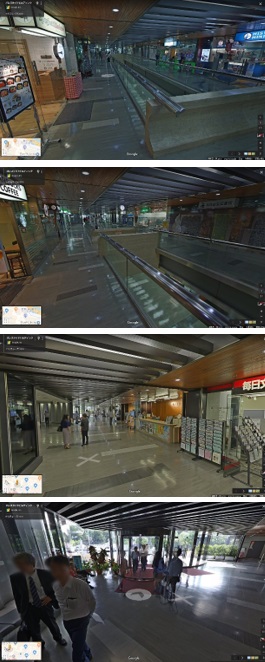
Until now you could see from the east entrance (photo below left) to reception (photo below center), but if you tried to go west inside you suddenly popped outside the west entrance (photo below right).

Google Street View covers main roads with a 360-degree look around; many know some museums, arenas, restaurants and shops can be entered. The Palaceside Building has joined that lineup. Shooting seems to have been around July; talk was "about three months to publish," and here it is.
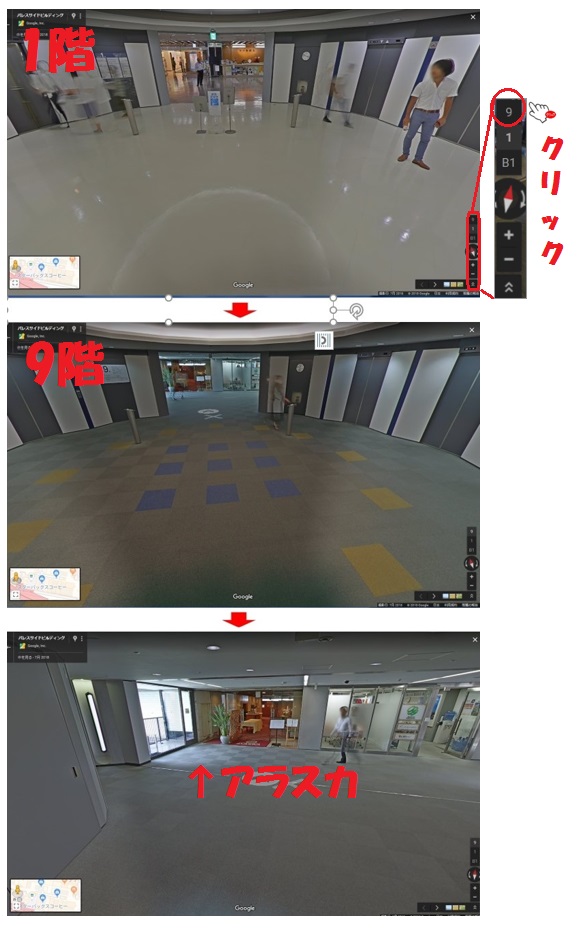
What you can see is the first-floor and B1 shopping streets and ninth-floor restaurant Alaska. To change floors: walking in normally puts you on the first floor. See the last three photos. From the first-floor west elevator hall, pick the 9th on the vertical floor icon at lower right and you switch to the ninth-floor hall; go on and Alaska is there.
We hope foreign visitors and others will use it widely.